Think Email.Think Popsuites.

Brand deals, investor replies, client requests. Nothing waits in your inbox. Popsuites finds it, sorts it, and acts on it.

Backed by Google for Startups & NVIDIA Inception
Google for Startups
NVIDIAInception Program
2-3 hrs
saved per day
$120-150
saved vs alternatives / mo
50k+
emails processed daily

Based on aggregate usage data from active Pro/Premium users, Q1 2026.

AI voice interface
Speak your mind.

Rambled thoughts become clear, perfectly formatted emails without the filler words or typos.

Choose your communication tone:

Live transcript

Preview

Your generated email will appear here

Record a rambled thought, then hit Generate — Popsuites will turn it into four clean, ready-to-send email drafts. Switch tones above to preview each one instantly.

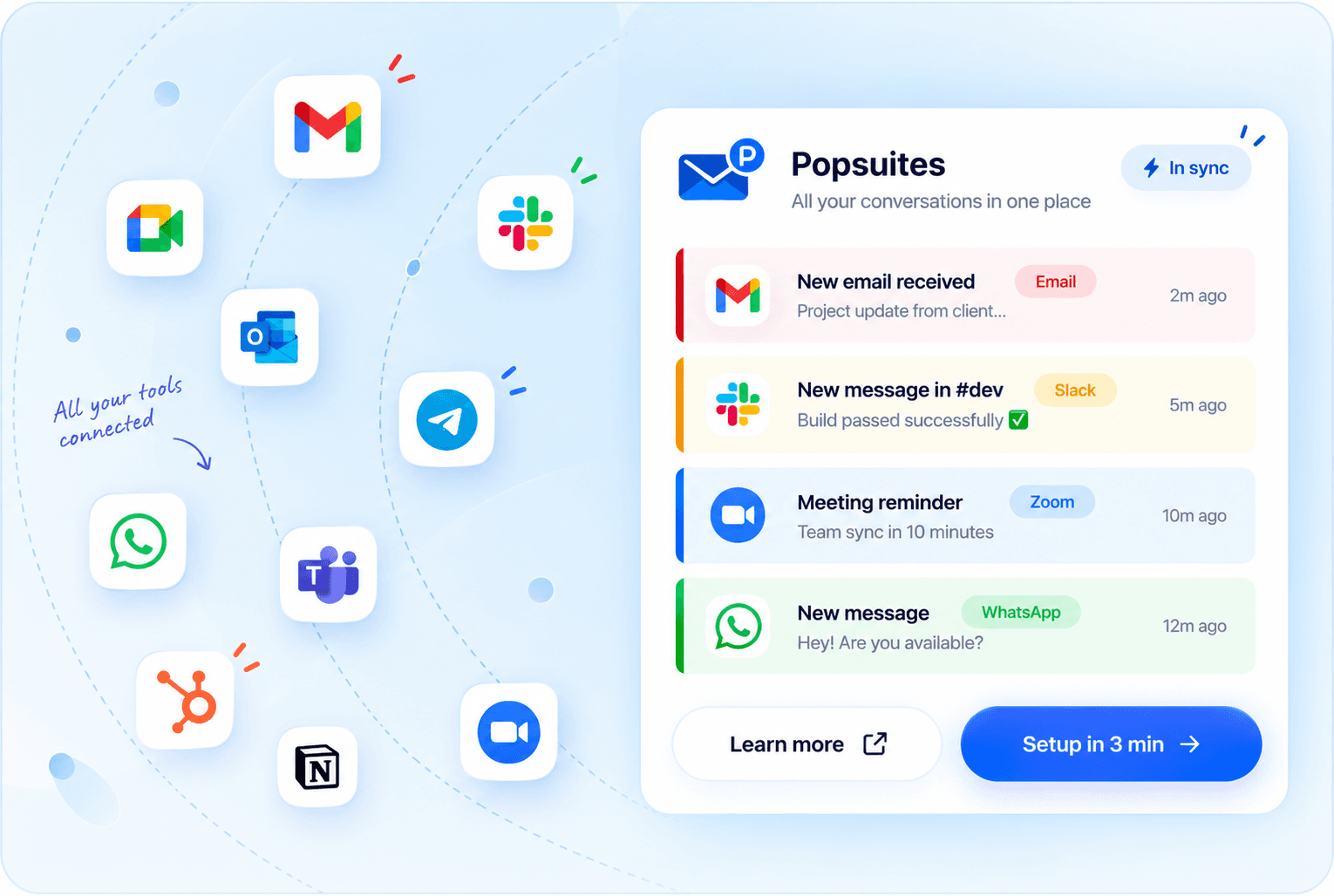
One inbox. Every integration.

Telegram, Google, Slack, Zoom, WhatsApp, Meet, HubSpot, Outlook, Teams — all connected, all in sync.
Integrate now
Gmail
Gmail
Zoho Mail
Slack
Slack
Outlook
Outlook
Telegram
Telegram
Microsoft Teams
Microsoft Teams
WhatsApp
WhatsApp
Zoom
Zoom
HubSpot
HubSpot
Notion
Google Meet
Google Meet
The transformation
Inbox, transformed.

From chaos to calm — automatically.

Before

Cluttered

Newsletters, receipts, cold outreach, alerts. Multiple accounts open in separate tabs. Hours lost every week just triaging.

After

Calm & clear

Every account unified. AI rules archive, label, and file everything. Your inbox is a quiet, intentional space.

Intelligence
Email intelligence.
Built in.

Popsuites reads your mail the way you do — and acts the way you would.

Understands context

Not just keywords. It understands sender, subject, body, and your past behavior to apply the right rule.

Auto-labeling

Incoming mail is categorized and labeled automatically. No manual sorting, no missed threads.

Instant execution

Rules fire the moment mail arrives. Your inbox stays clean without you lifting a finger.

AND / OR conditions

Combine static conditions with AI conditions in one rule. Precise or broad, your call.

Auto-reply & forward

Set rules to reply or forward automatically. Great for routing support, leads, or team mail.

Privacy first

Rules run on your account. We never sell your data. Your email stays yours, always.

Smart archiving
Archives everything.
Misses nothing.

Newsletters, receipts, shipping updates, bank statements — all auto-filed the moment they arrive.

Inbox rules — running
Substack Newsletter
Rule: archive all newsletters
Archived
Stripe · Receipt #4821
Rule: label receipts → Finance
Labeled
FedEx Shipping Update
Rule: archive shipping updates
Archived
Cold outreach · Unknown sender
Rule: archive cold outreach
Archived
Team · Raj Kumar
Rule: keep + star from team
Starred
Multi-account
Every account.
One place.

Gmail, Outlook, work, side projects — all unified in a single view. No more juggling tabs.

Keep separate rules for each inbox, but manage everything from one calm surface.

Unified inbox

All your accounts in one stream. Switch views or see everything together.

Per-account rules

Set different rules for each account. Work inbox stays different from personal.

Syncs in real time

Changes reflect instantly across all connected accounts.

Secure connections

OAuth only. We never store your email password. Revoke access anytime.

FAQ
Frequently asked
questions.

The short answers to the things people ask most.

Do you read my emails?

Rules run on your own mailbox via the Gmail API. We only look at subject lines, senders, and bodies when a condition requires it, and only for the length of the call. Nothing is stored on our servers.

What counts as an "email processed"?

Any incoming email that matches an active rule and triggers an action. Emails that don't match a rule don't count against your monthly quota.

Which email providers does Popsuites support?

Gmail and Outlook. You can connect multiple accounts across both providers and manage them all from one dashboard.

How does the rule engine work?

You define rules using conditions (sender, subject, body keywords, date) and actions (label, archive, forward, reply, delete). Rules run automatically the moment a matching email arrives. You can also describe a rule in plain English and let the AI assistant set it up.

Can I cancel or change my plan at any time?

Yes. You can upgrade, downgrade, or cancel at any time from billing settings. Your rules keep running until the end of the billing period.

Get started

Zero inbox.
For real this time.

Free forever · no card required